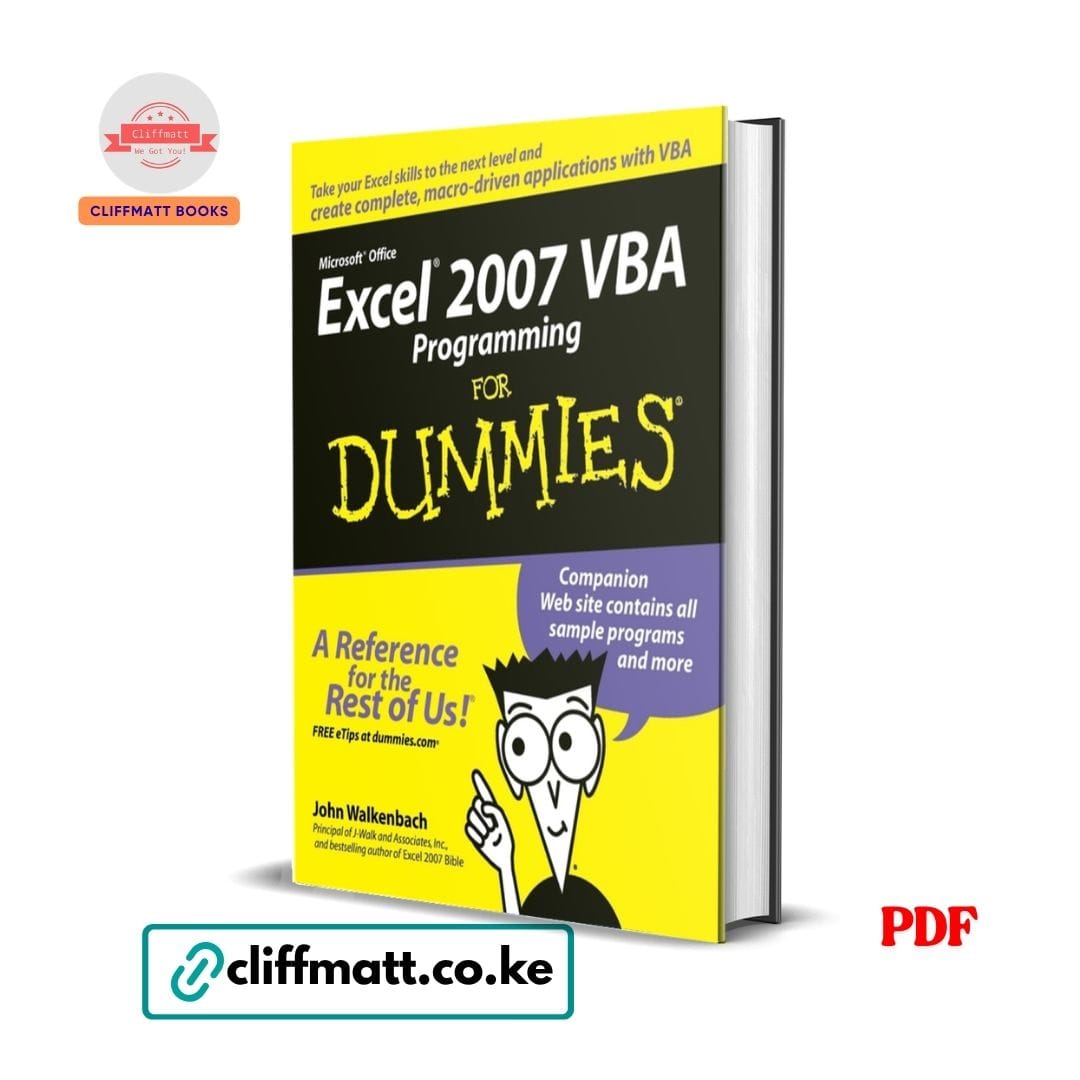
Description You already know Excel. Now make it work for you. The specific Kenyan professional who has mastered Excel formulas, pivot tables, and data visualisation has already separated themselves from the majority of their colleagues. But there is a specific next level — a specific capability that the specific top 5% of Excel users possess — that transforms Excel from a powerful data analysis tool into a specific fully automated, macro-driven, self-operating system that does in seconds what the specific manual Excel user spends hours doing, and that does it with the specific perfect consistency that human data entry never achieves and human error consistently undermines. That capability is VBA. Visual Basic for Applications — the specific programming language built directly into Microsoft Excel (and every other Office application) that allows the specific Excel user to write the specific instructions that automate the specific tasks, build the specific custom functions, and create the specific complete macro-driven applications that turn the specific Excel workbook from a specific tool you operate into a specific system that operates itself. John Walkenbach — Principal of J-Walk and Associates, one of the world’s most respected Excel authorities, and the bestselling author of the Excel 2007 Bible — is the specific writer who has taught more people VBA than any other author in the history of Excel publishing. Excel 2007 VBA Programming for Dummies is his most accessible and most clearly structured VBA guide: designed for the specific Excel user who has never programmed before, who does not have a computer science background, and who simply wants the specific practical ability to automate the specific work that is currently consuming the specific most time in their specific daily Excel use. At Ksh 100, the specific skill that separates the specific top Excel users from everyone else is available to every Kenyan. What This Book Covers: The Foundation — What VBA Is and Why It Matters: The specific VBA definition — Visual Basic for Applications explained in the specific terms that the specific non-programmer Excel user most needs: not an abstract programming language but the specific tool that tells Excel to do the specific things you keep doing manually, automatically, at the press of a button, in exactly the specific order you specify, with exactly the specific logic you define, every single time without variation; the specific difference between a formula (which calculates a value) and a macro (which performs a sequence of actions); why VBA produces capabilities that formulas, however advanced, can never replicate The specific Excel automation opportunity — the particular categories of Excel work that VBA most powerfully and most immediately automates: the specific repetitive formatting tasks (applying the specific consistent formatting to the specific monthly reports), the specific data cleaning and transformation tasks (removing duplicates, standardising text, filling blanks), the specific report generation tasks (pulling data from the specific source sheets, formatting it, and producing the specific output document in the specific consistent format every time), and the specific custom function tasks (creating the specific calculations that Excel’s built-in functions don’t do) The specific business case for VBA skills in Kenya — the particular Kenyan professional context where VBA skills produce the specific most immediately measurable career and income advantage: the specific accountant who can automate month-end reporting, the specific banker who can automate loan portfolio analysis, the specific HR professional who can automate payroll calculations, the specific data analyst who can automate the specific ETL (extract, transform, load) process, and the specific small business owner who can automate invoicing, inventory tracking, and customer data management The specific “for Dummies” promise — Walkenbach’s consistent, throughout-the-book commitment to explaining every concept in the specific clearest, the specific most jargon-free, and the specific most practically grounded language available; why this specific book is the specific most appropriate starting point for the specific Excel user who has never programmed before and who needs the specific gentlest and the specific most clearly structured introduction to VBA available Getting Started — The VBA Environment: The Excel Developer Tab and Visual Basic Editor: The specific Developer Tab activation — how to enable the specific Developer Tab in Excel 2007 (and in the specific later Excel versions where the specific same process applies with minor interface variations); the particular tools it provides and why it is the specific essential starting point for every VBA user The specific Visual Basic Editor (VBE) — the particular IDE (Integrated Development Environment) where VBA code is written, edited, tested, and debugged; the specific components of the VBE (the Project Explorer, the Properties Window, the Code Window, the Immediate Window) and the specific function each performs; how to navigate the specific VBE efficiently and how to customise it for the specific most comfortable and the specific most productive coding environment The specific module structure — how VBA code is organised into the specific modules (the particular containers within each Excel workbook where the specific VBA code is stored); the particular types of modules (standard modules, class modules, sheet modules, the workbook module) and the specific kinds of code that belong in each; why understanding the specific module structure is the specific first conceptual foundation that all subsequent VBA learning most essentially requires Recording Macros — The Beginner’s Starting Point: The specific macro recorder — the particular Excel tool that translates the specific manual actions of the specific Excel user into the specific VBA code that replicates those actions automatically; how to use the macro recorder to generate the specific first VBA code without writing a single character manually; why the specific macro recorder is simultaneously the specific most accessible introduction to VBA for beginners and the specific most limited VBA tool available, producing code that works for simple tasks but that always requires the specific manual editing and the specific logical enhancement that only genuine VBA understanding can provide The specific relative vs. absolute recording — the particular distinction between recording macros that always operate on the specific same cells (absolute recording) and recording macros that operate on whatever cell is currently selected (relative recording); why the specific understanding of this distinction is the specific first genuinely important VBA concept that every macro recorder user most needs to master Reading and understanding recorded code — how to examine the specific VBA code that the macro recorder produces and understand what each specific line is doing; why reading recorded code is the specific most effective self-teaching tool available for learning the specific VBA syntax that writing code from scratch requires The VBA Language — The Core Programming Concepts: Variables and Data Types: The specific variable concept — the particular VBA mechanism for storing information (numbers, text, dates, objects) that the specific macro will use and manipulate; how to declare, name, and assign values to variables; why the specific discipline of using meaningful variable names (employeeName rather than x, monthlyRevenue rather than n) is the specific single most important coding practice for producing VBA code that is readable, maintainable, and debuggable The specific data types — the particular VBA data types (Integer, Long, Double, String, Boolean, Date, Object, Variant) and the specific kinds of information each is designed to hold; why choosing the specific appropriate data type for each specific variable matters for the specific performance, the specific accuracy, and the specific error-prevention of the specific VBA code The specific scope and lifetime of variables — the particular distinction between variables that exist only within the specific procedure that declares them (procedure-level scope), variables that exist throughout the specific module (module-level scope), and variables that exist throughout the specific entire workbook (public scope); when each is appropriate and why the specific mismanagement of variable scope is one of the specific most common sources of the specific unexpected behaviour that beginning VBA programmers most frequently encounter Control Structures — Making Decisions and Repeating Actions: The specific If-Then-Else structure — the particular VBA construct for making decisions; how to write the specific conditional logic that performs the specific different actions in the specific different circumstances that the specific real-world data processing always produces; the specific syntax variations (If-Then, If-Then-Else, If-Then-ElseIf-Else, nested If) and when each is most appropriate The specific Select Case structure — the particular more readable and more efficient alternative to the specific long chains of If-ElseIf statements when the specific decision involves many possible values of the same variable; the specific Kenyan application to the specific multi-category data processing tasks (categorising products, routing transactions, classifying customers) that the specific professional Excel user most commonly needs to automate The specific For-Next loop — the particular VBA construct for repeating the specific action a specific known number of times; the particular syntax, the specific loop counter variable, the specific Step clause for non-unit increments, and the specific most common applications (processing each row in a data range, applying formatting to each cell in a selection, performing the specific calculation for each period in a time series) The specific For Each loop — the particular most useful loop construct for working with Excel objects (cells, worksheets, workbooks); how to loop through every cell in a range, every sheet in a workbook, or every workbook in a collection without knowing in advance how many items the collection contains; why the For Each loop is the specific most natural and the specific most elegant VBA tool for the specific most common Excel automation tasks The specific Do While and Do Until loops — the particular loop constructs for repeating actions until a specific condition is met rather than for a specific predetermined number of times; the specific applications to data processing tasks where the specific number of rows, the specific number of records, or the specific number of iterations required is not known in advance Procedures — Organising VBA Code: The specific Sub procedure — the particular VBA code block that performs actions without returning a value; how to write, call, and pass arguments to Sub procedures; the specific discipline of breaking complex macros into the specific multiple smaller Sub procedures that each do one thing clearly and well, rather than writing the specific single monolithic macro that does everything but that is impossible to read, debug, or maintain The specific Function procedure — the particular VBA code block that performs calculations and returns a value; how to create the specific custom Excel functions that appear in Excel’s function library and that can be used in worksheet formulas just like built-in functions; the particular most valuable application of custom functions in the Kenyan professional context: the specific custom functions for the specific calculations (Kenyan tax calculations, specific industry metrics, specific business logic) that Excel’s built-in function library does not provide Working with Excel Objects — The Heart of Excel VBA: The Excel Object Model: The specific Excel object hierarchy — the particular conceptual framework that organises everything in Excel as an object within a hierarchy (Application → Workbooks → Worksheets → Ranges → Cells); how to navigate this hierarchy in VBA code to access the specific object you want to work with; why understanding the specific Excel object model is the specific most important conceptual foundation for writing genuinely useful and genuinely flexible VBA code The specific properties and methods concept — the particular distinction between what an object is (its properties — the specific characteristics that can be read or set) and what an object does (its methods — the specific actions that can be performed on it); how to use properties and methods in VBA code to read information from Excel objects, to set their characteristics, and to make them perform actions Working with Ranges and Cells: The specific Range object — the particular most important object in Excel VBA; how to reference specific cells and ranges in VBA code (the specific Range(“A1”), Cells(1,1), ActiveCell, Selection, and the specific other range reference methods); the particular most common range operations (reading values, writing values, formatting, copying, moving, clearing) that the specific Excel automation tasks most commonly require The specific dynamic range references — how to write VBA code that works with ranges whose specific size changes from run to run (the specific data table that has a different number of rows each month, the specific report that covers a different number of periods each time); the particular End property, the specific CurrentRegion property, and the specific UsedRange property that the specific most flexible and the specific most robust range handling requires The specific cell formatting automation — how to apply the specific number formats, the specific fonts, the specific borders, the specific fill colours, and the specific conditional formatting that the specific consistent report production requires, through VBA code that produces the specific same formatting every time without the specific human variation that manual formatting consistently introduces Working with Worksheets and Workbooks: The specific Worksheet object — how to add, delete, rename, move, copy, hide, and navigate worksheets through VBA code; the specific automation of the specific monthly reporting process (adding a new sheet for each month, naming it consistently, populating it from the specific source data) that the specific manual approach takes hours and the specific VBA approach takes seconds The specific Workbook object — how to open, save, close, and create workbooks through VBA code; the specific automation of the specific cross-workbook data consolidation (pulling data from the specific multiple source workbooks into the specific single summary workbook) that is the specific most time-consuming and the specific most error-prone manual Excel task in the specific financial and data management roles where it most commonly arises UserForms — Building Custom Interfaces: The specific UserForm concept — the particular custom dialog boxes that VBA allows the specific Excel developer to create; how UserForms provide the specific structured, validated, user-friendly data entry interface that the specific raw Excel worksheet cannot provide; why the specific Kenyan business that replaces the specific unstructured data entry worksheet with the specific properly designed UserForm immediately reduces the specific data entry errors that the specific unstructured approach most consistently produces The specific UserForm controls — the particular control types (TextBox, ComboBox, ListBox, CheckBox, OptionButton, CommandButton, Label) that UserForms support; how to add, configure, and write code for each; the specific most common UserForm applications in the Kenyan professional context (the specific data entry form for customer records, the specific parameter input form for report generation, the specific approval form for workflow management) The specific data validation in UserForms — how to write the specific validation code that prevents the specific invalid data (the specific wrong format, the specific out-of-range value, the specific required field left blank) from being entered through the specific UserForm interface; why the specific validation at the point of entry is always more efficient and always more reliable than the specific validation of data already entered into the spreadsheet Error Handling and Debugging: The specific VBA debugging tools — the particular Excel VBA debugging capabilities (the specific Step Into, Step Over, and Step Out execution controls; the specific Breakpoints that pause execution at the specific line; the specific Watch Window that monitors the specific variable values; and the specific Immediate Window that allows the specific ad hoc code execution) that allow the specific VBA programmer to find and fix the specific errors that every non-trivial VBA project most inevitably contains The specific error handling — the particular On Error statement and its specific variations (On Error GoTo, On Error Resume Next, On Error GoTo 0) that allow the specific VBA code to respond gracefully to the specific runtime errors (the specific file not found, the specific type mismatch, the specific out of range) that the specific real-world data processing most commonly produces; the specific difference between the specific macro that crashes with an unhelpful error message and the specific macro that detects the error, communicates it clearly to the user, and handles it without crashing The specific most common VBA errors and their specific solutions — Walkenbach’s particularly practical catalogue of the specific errors that beginning VBA programmers most consistently make and the specific corrections that each most directly requires Practical Applications — Real-World VBA Projects: The specific automated report generation system — a complete VBA project that pulls data from the specific source worksheets, formats it according to the specific report template, adds the specific calculations, and produces the specific finished report document in the specific consistent format — all at the press of a button The specific data import and cleaning macro — a complete VBA project that imports data from the specific external source, cleans it (removing duplicates, standardising formats, filling missing values), and prepares it for the specific analysis that the specific subsequent formulas and pivot tables most require The specific custom invoice generator — a complete VBA project that creates the specific formatted invoice document from the specific order data, calculates the specific totals, and saves it with the specific consistent filename — the specific application that the specific Kenyan small business owner most immediately recognises as the specific most valuable VBA capability available for their specific business The specific automated email sender — how to use VBA to send the specific emails through Outlook from within Excel; the specific application to the specific automated reporting distribution (sending the specific monthly report to the specific distribution list at the press of a button rather than the specific manual email composition that the specific monthly report distribution currently requires) Why Kenyan Professionals Are Buying This Book: Kenya’s rapidly growing financial services sector, its expanding technology industry, its large NGO and development sector, and the specific increasing data management requirements of virtually every Kenyan business of every size are creating the specific growing demand for the specific Excel VBA skills that allow the specific professional to automate the specific work that would otherwise require either the specific many hours of manual effort or the specific expensive custom software development that the specific small to medium Kenyan business most commonly cannot afford. The specific Kenyan accountant, analyst, banker, HR professional, or small business owner who masters Excel VBA is the specific professional who becomes indispensable to their specific organisation and the specific entrepreneur who builds the specific business processes that scale without proportionally scaling the specific labour cost. At Ksh 100, the specific most valuable technical skill available to the specific Kenyan Excel user is in your hands. Who This Book Is For: Every Kenyan Excel user who is comfortable with formulas and basic Excel features and who wants to take the specific next step into VBA automation that makes them significantly more productive and significantly more professionally valuable Kenyan accountants, financial analysts, bankers, and finance professionals who want to automate the specific repetitive Excel tasks that currently consume the specific most time in their specific working day Kenyan data analysts and researchers who want the specific ability to automate the specific data cleaning, the specific data transformation, and the specific report generation tasks that their specific analytical work most consistently requires Kenyan small business owners and entrepreneurs who want the specific ability to build the specific custom Excel tools that manage their specific business processes without the specific expensive custom software development that their specific budget does not support Every reader of Excel Formulas & Functions for Dummies, Microsoft PowerPoint 2022, Basic SPSS Tutorial, and How to Write a Great Research Paper who wants the specific most immediately career-valuable technical skill available for the specific Kenyan professional who already uses Microsoft Office to complete their Microsoft Office mastery library �� Author: John Walkenbach �� Format: PDF eBook (instant download via WhatsApp or email) �� Price: Ksh 100 only �� Delivery: Instant after M-Pesa payment confirmation �� Order now on cliffmatt.co.ke — Pay via M-Pesa, receive your PDF instantly.
Q & A
There are no questions yet
Shipping Rules
We have several different ways of shipping available on our website for you to select when you go through to checkout
- We use Evri for our Economy Service this can take between 2 and 5 days. This service starts from £4.90. Evri collect from us on a Monday and Thursday which is a Tuesday and Friday delivery to you
- We use DPD and DX for our premium/standard service which is a next working day delivery this service price starts from £7.95. This is collected from us Monday through to Friday, We cannot Guarantee it will be a next day as it is courier dependant
- We use Dx Freight for our standard large service for things like pipe lengths and larger items This service is £19.95. This is on a next working day delivery and is Monday through to Friday.
- We use APC for our Fish delivery service this service is £35. This is an overnight service. Koi will be scheduled to arrive between 8.00am – 12:00 midday. You also MUST be in to sign for the koi. Delivery days are Wednesday, Thursday & now Fridays and will always be pre arranged with you
- Some larger items and bespoke items are dropped shipped to speed up delivery
- We also ship from our suppliers this is to speed up delivery
- We also offer Free Delivery on orders over £100 excluding lengths of pipe and live fish
- Live fish are sent with APC and have a price of £35.00. More than 1 Koi can fit in a box
- All our shipping companies do give us tracking information that you should receive by email this includes any orders we drop ship.